
Mimick
A native Linux desktop client for Immich — background folder sync, queue diagnostics, OCR search and a tucked-away tray, written in Rust.
A native Linux desktop client for Immich — background folder sync, queue diagnostics, OCR search and a tucked-away tray, written in Rust.
Mimick watches the folders you choose and quietly uploads new photos and videos to your Immich server — with the retries, dedup checks and connectivity smarts you'd expect from the official mobile apps.
1–10 parallel upload workers stream files from disk with a flat memory footprint. SHA-1 checks dedup against what's already on the server before a single byte goes over the wire.
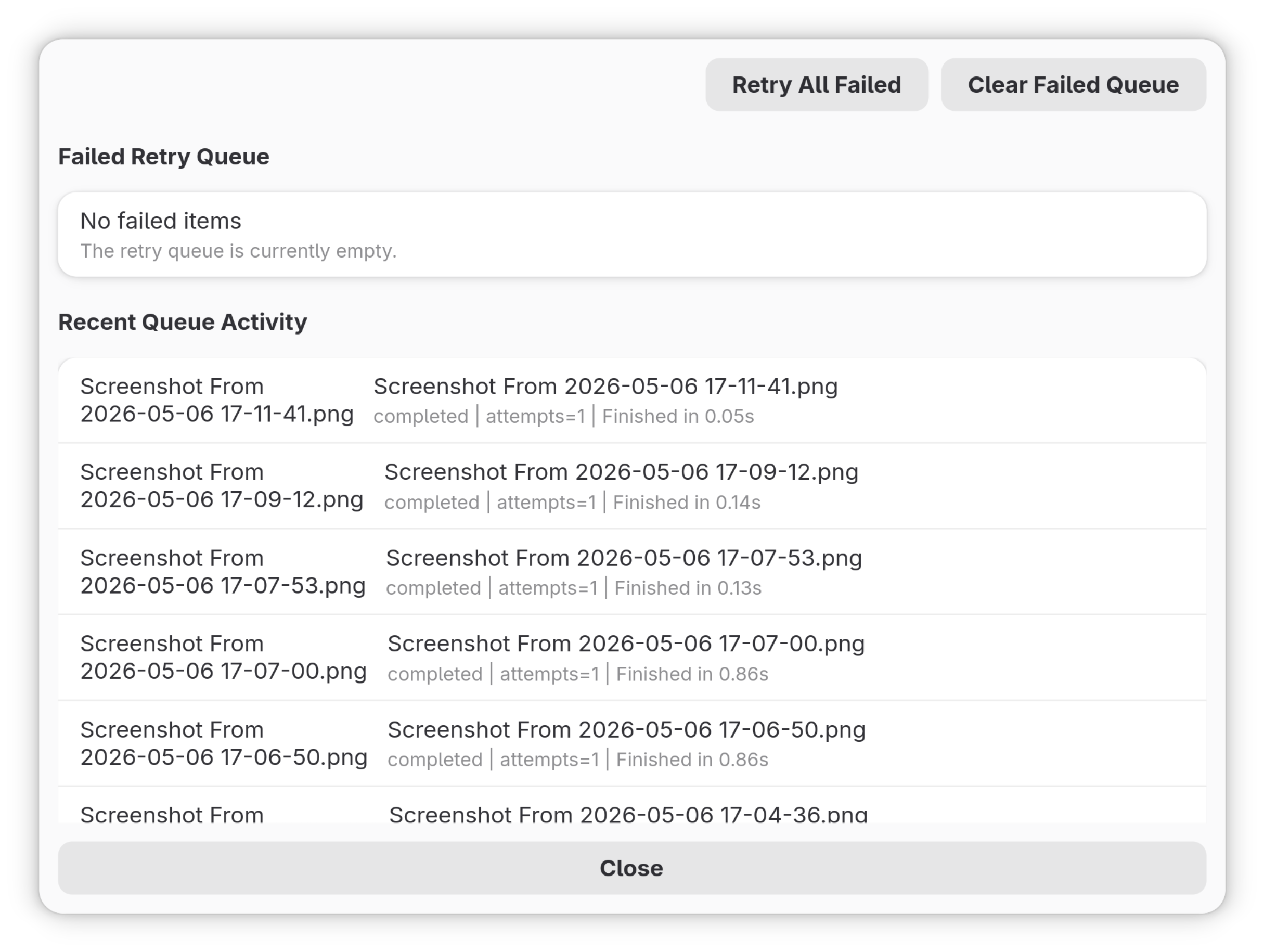
Failed uploads serialize to disk and replay on the next launch. A local sync index means restarts don't trigger a full rescan of your library.
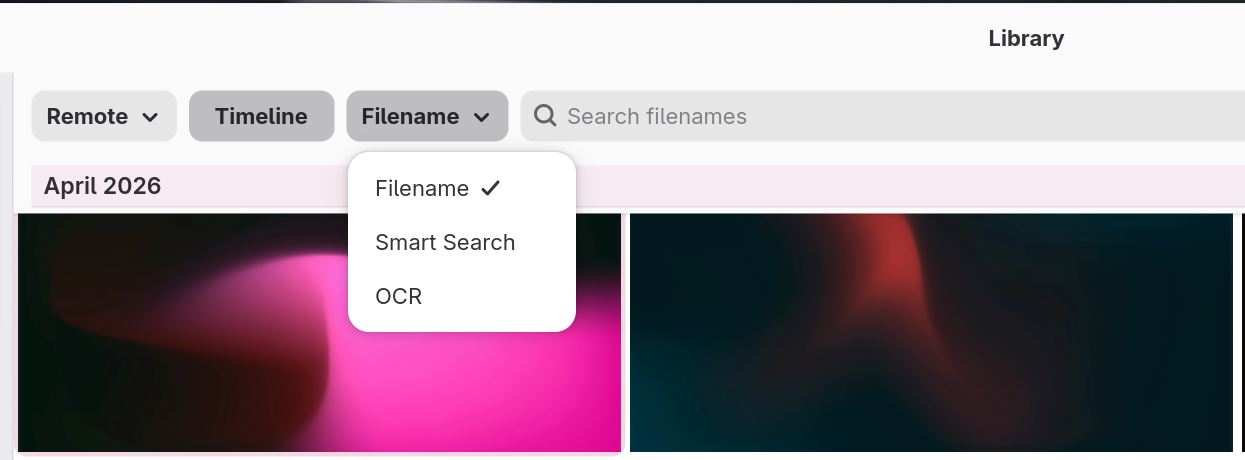
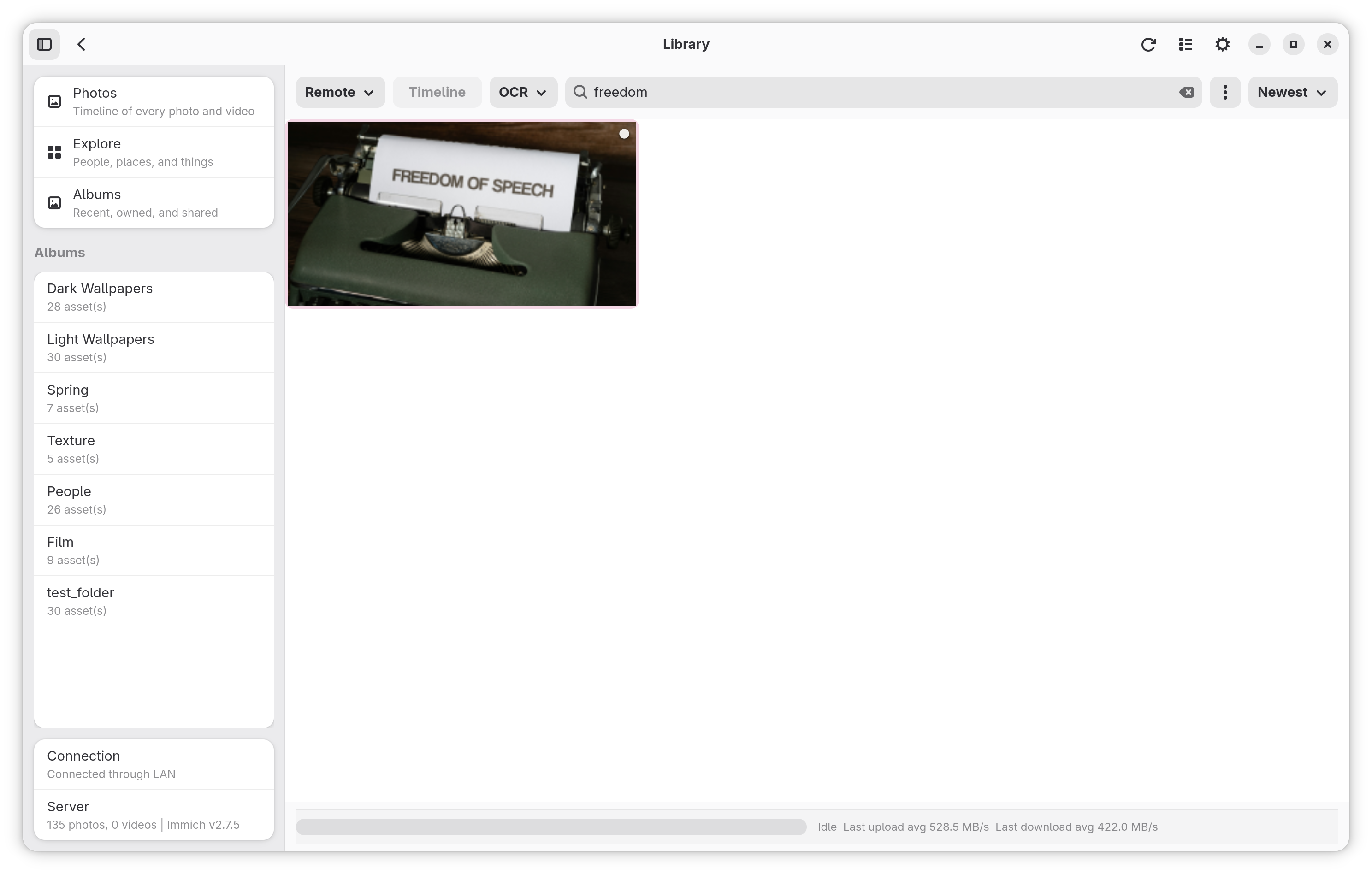
Search by filename, description, or text Immich's ML pipeline has read out of your images.
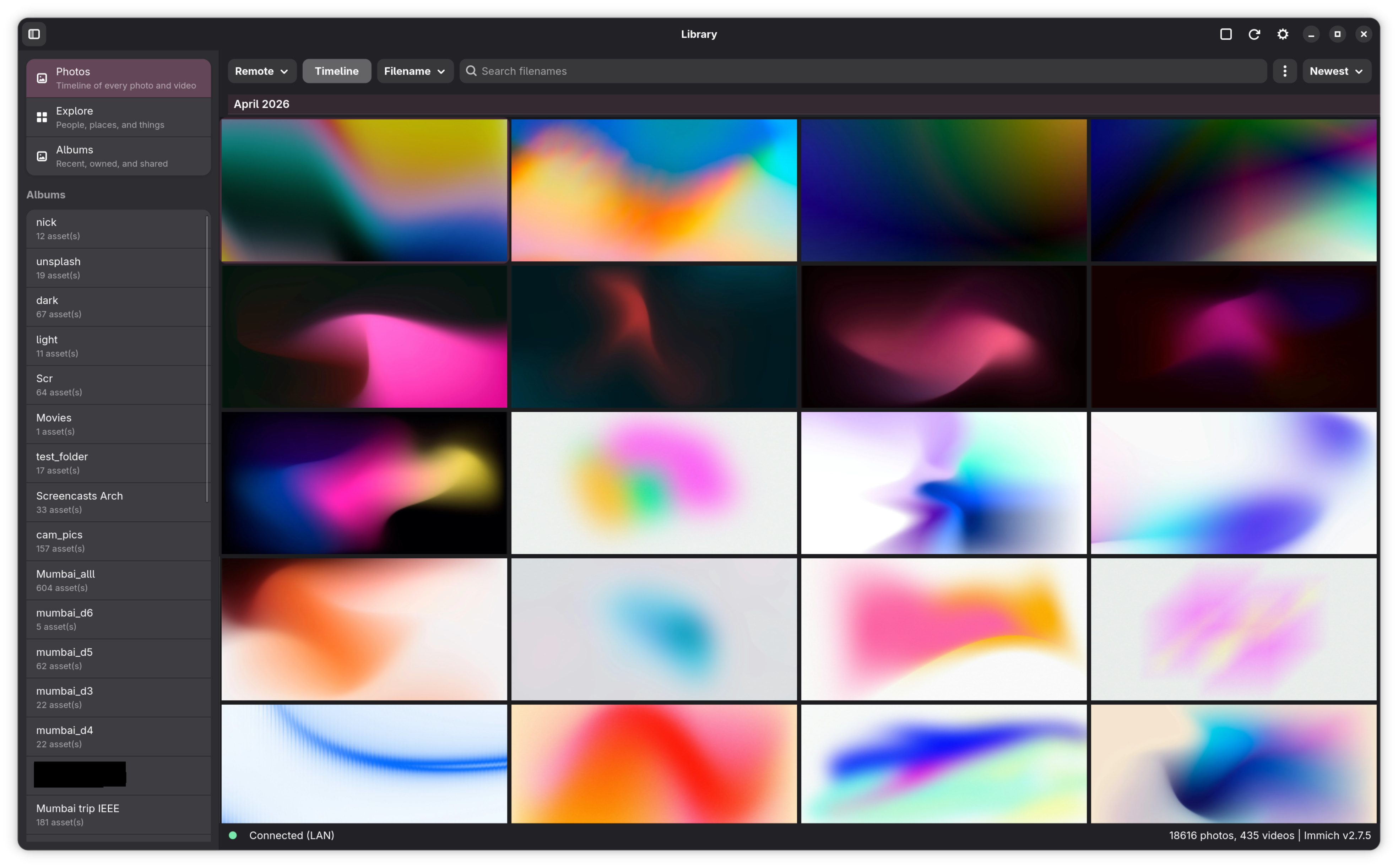
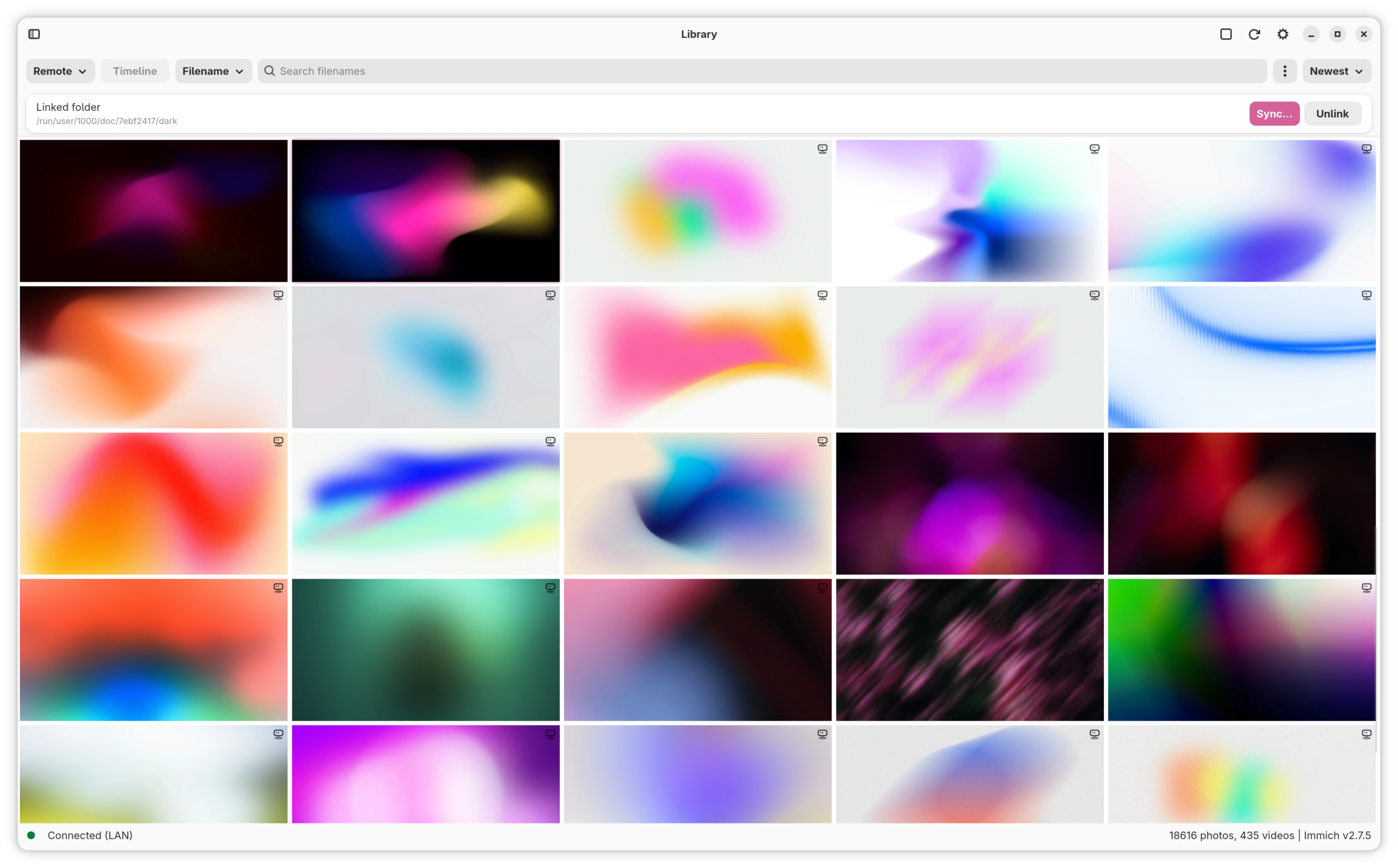
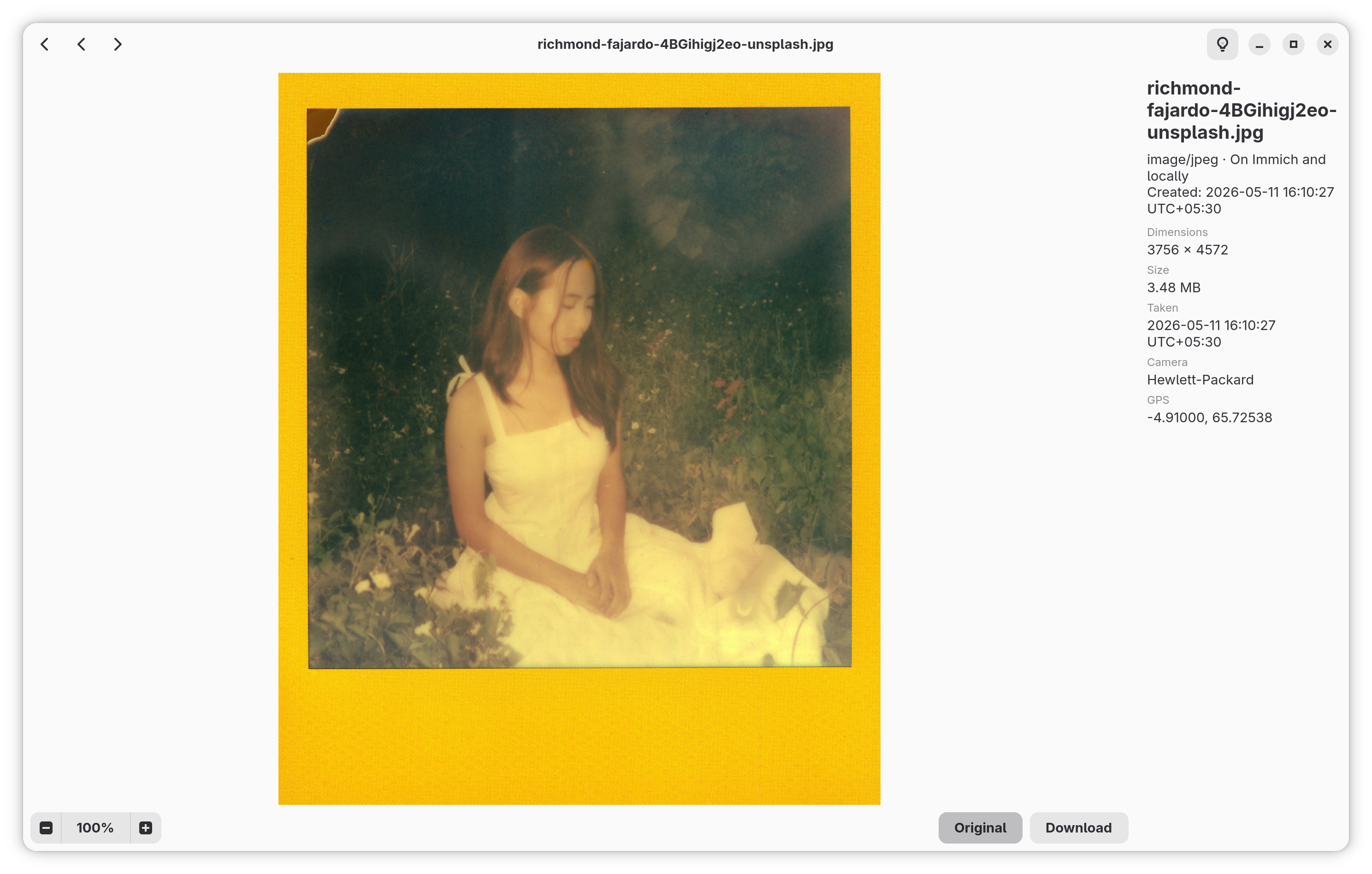
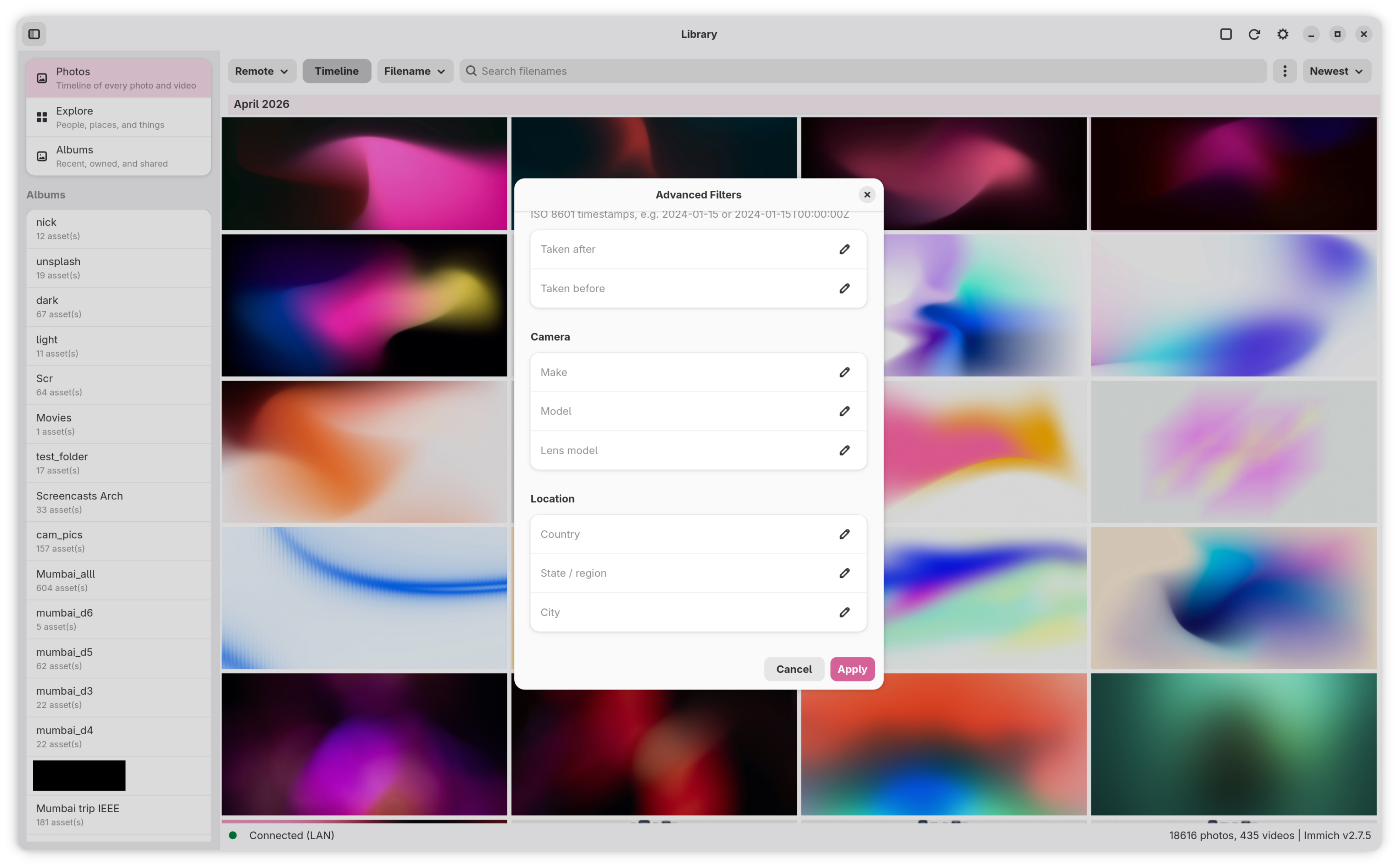
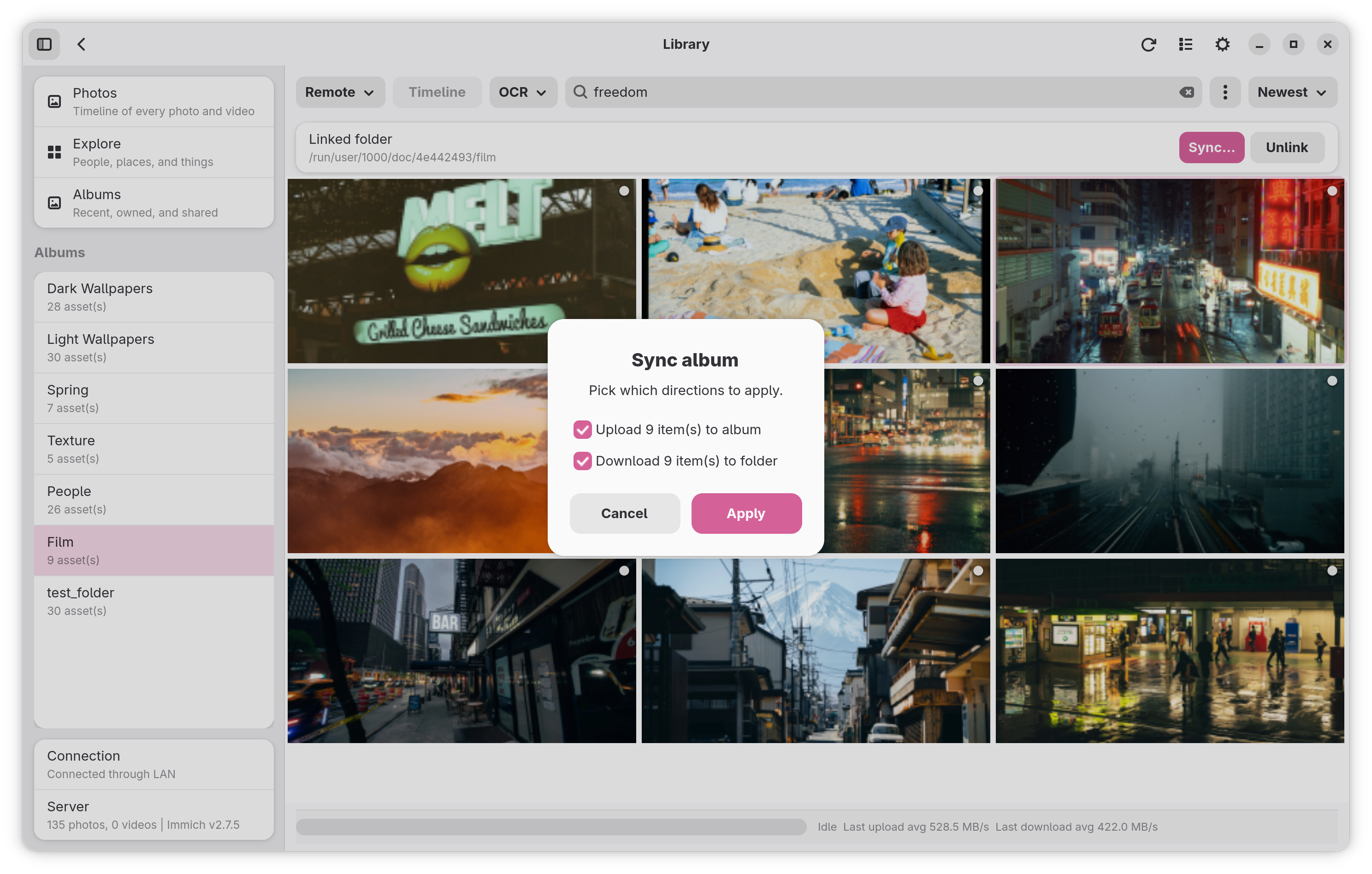
Photos, Explore (people & places), Albums and a full-screen lightbox — without ever opening a browser tab.
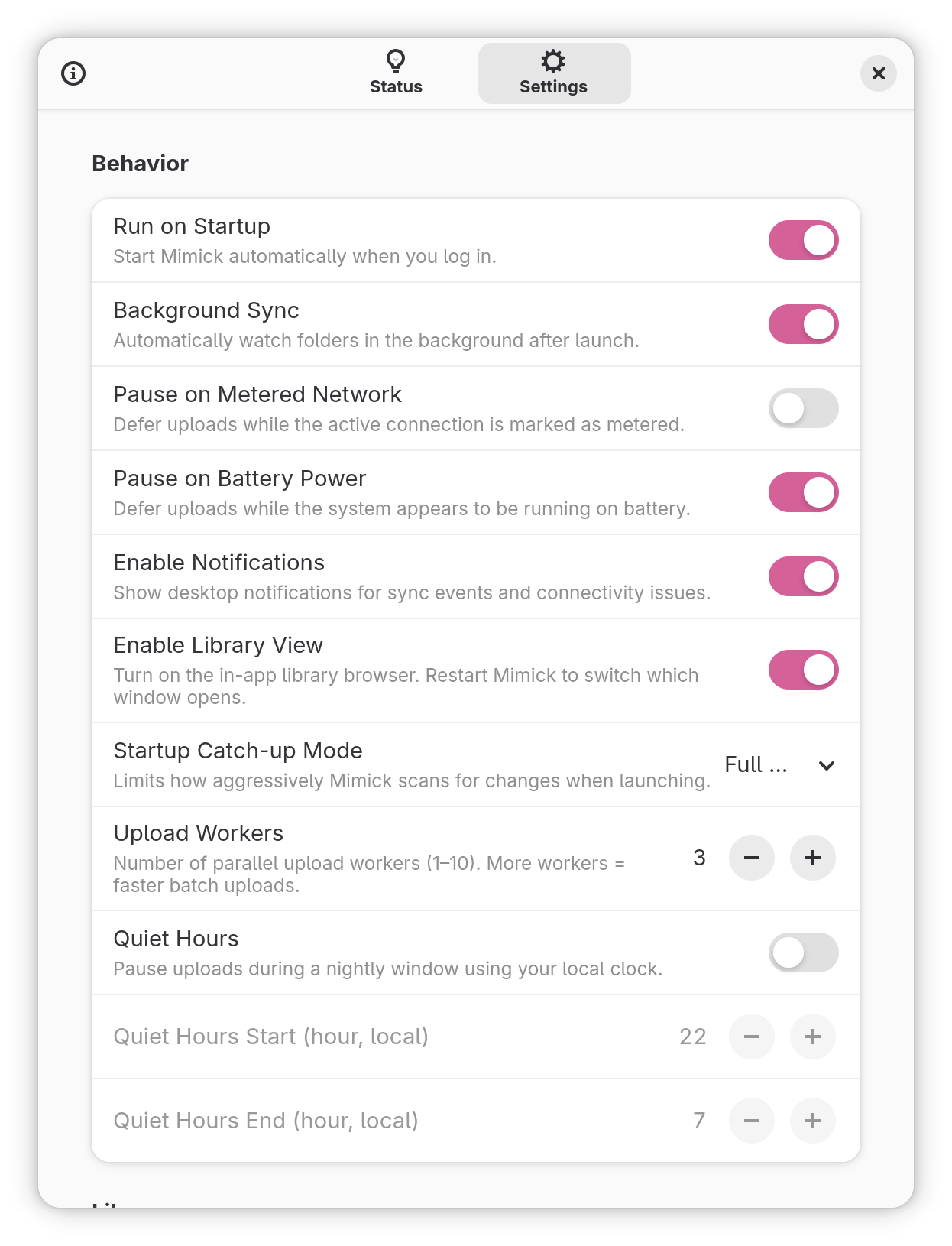
Pause uploads on metered connections or battery automatically — and set Quiet Hours for the rest.
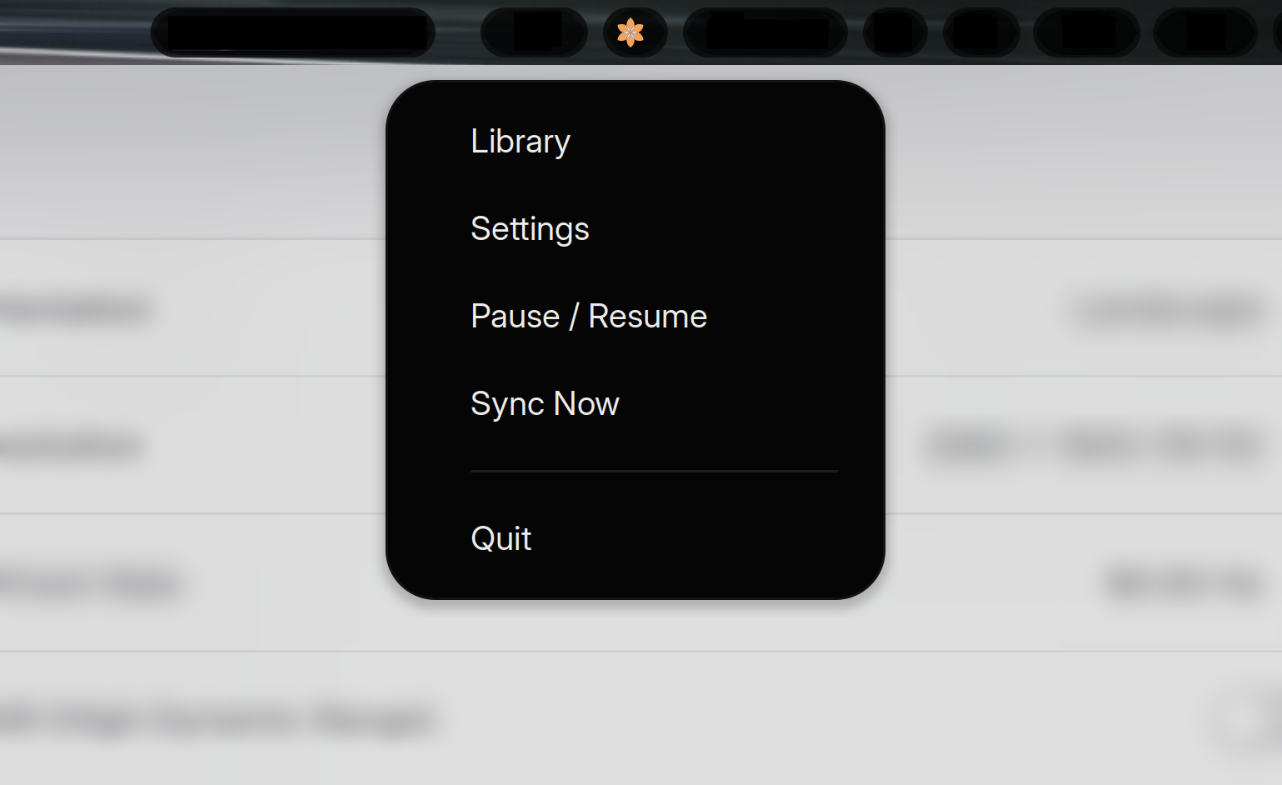
GTK4 + libadwaita widgets with an AppIndicator tray for headless control. The UI adapts down to sub-360px for mobile Linux too.
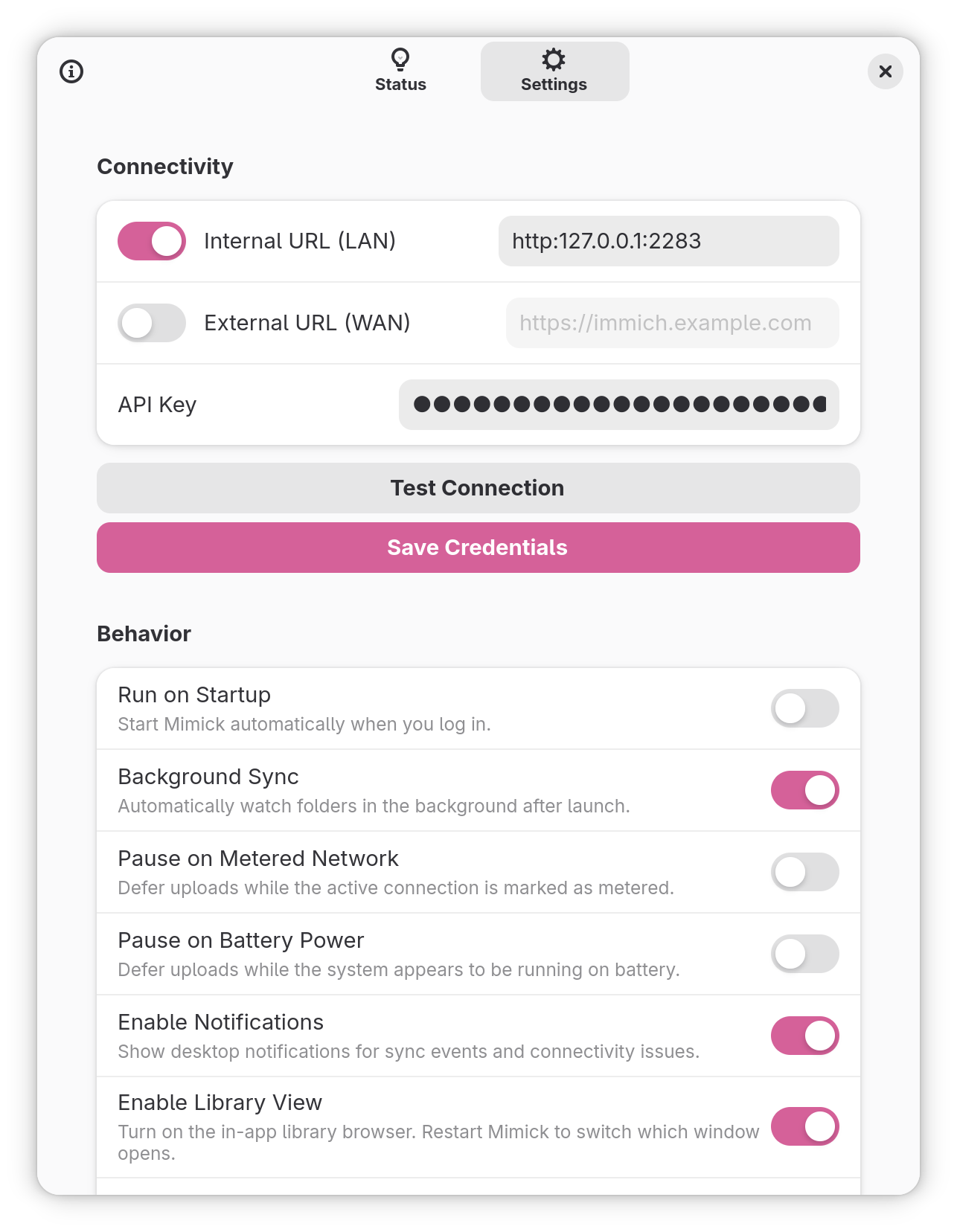
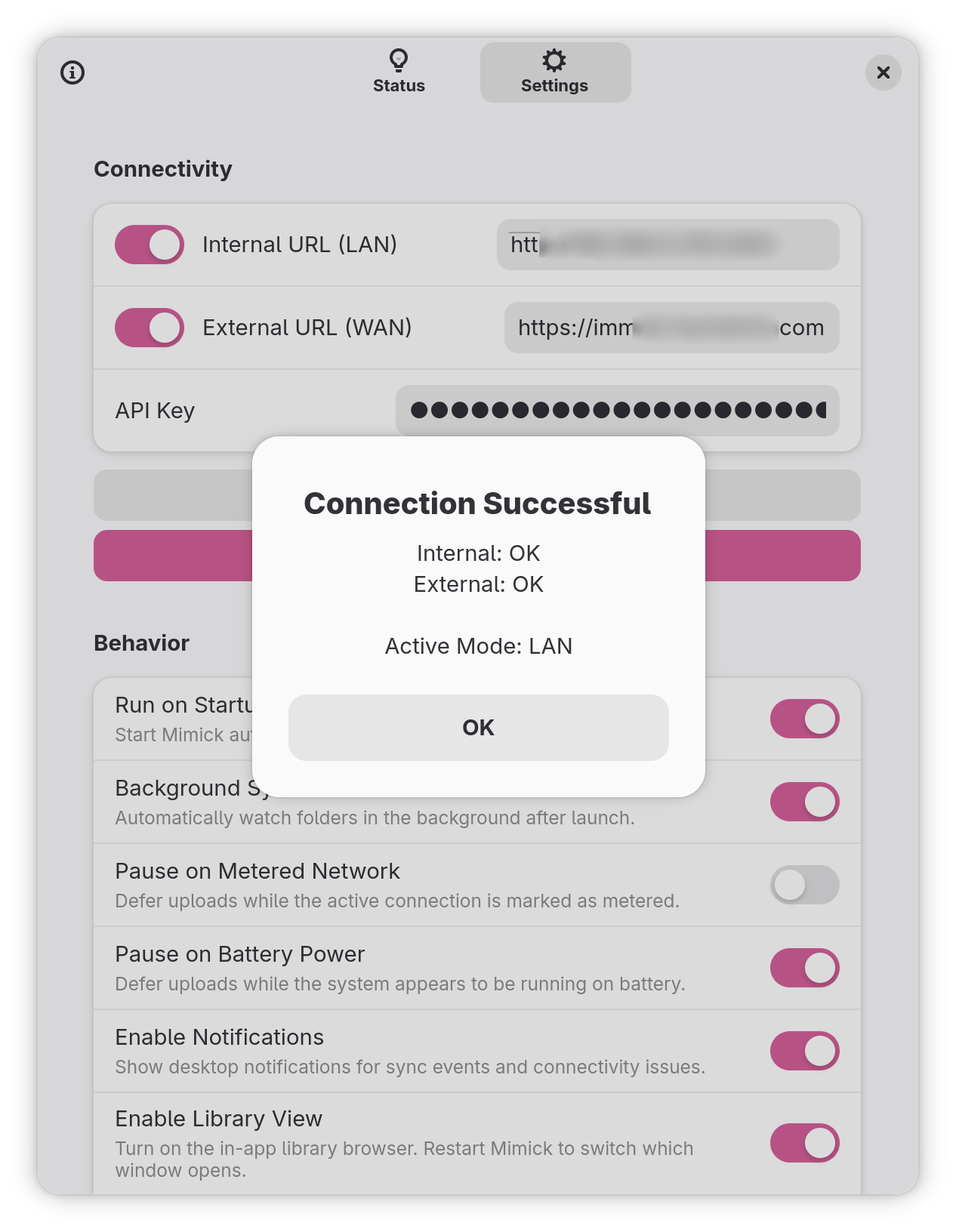
Configure both an Internal and External URL — Mimick picks the reachable one based on live network topology and heartbeat checks.
API keys land in the desktop Secret Service (GNOME Keyring, KWallet) — or a portal-encrypted file inside the Flatpak sandbox.
The bits that make Mimick a daemon you forget you have running — until it’s the thing that saved your library.
Mimick waits for write locks to release and file sizes to stabilize before queuing — so a still-encoding video never gets uploaded half-finished.
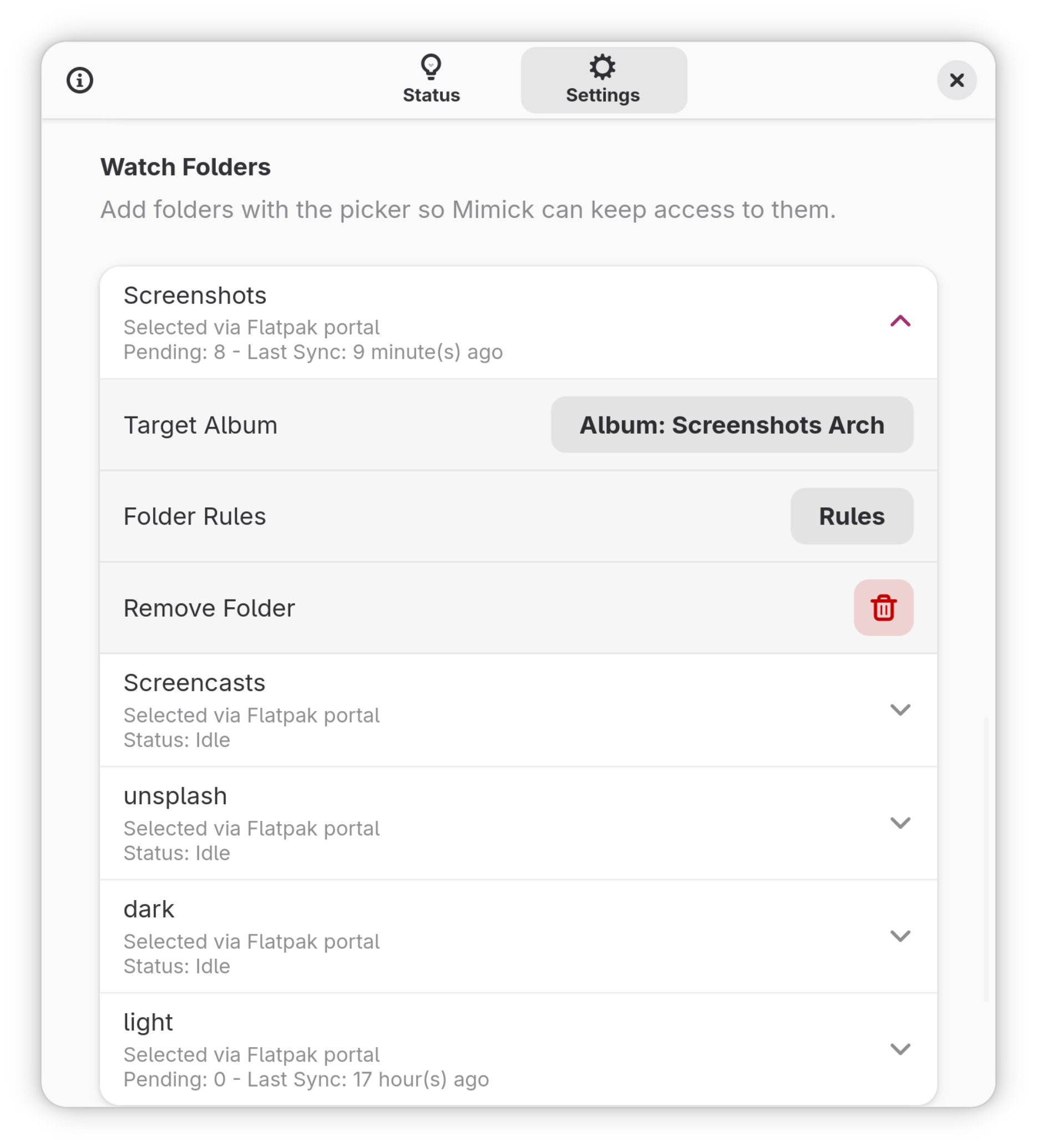
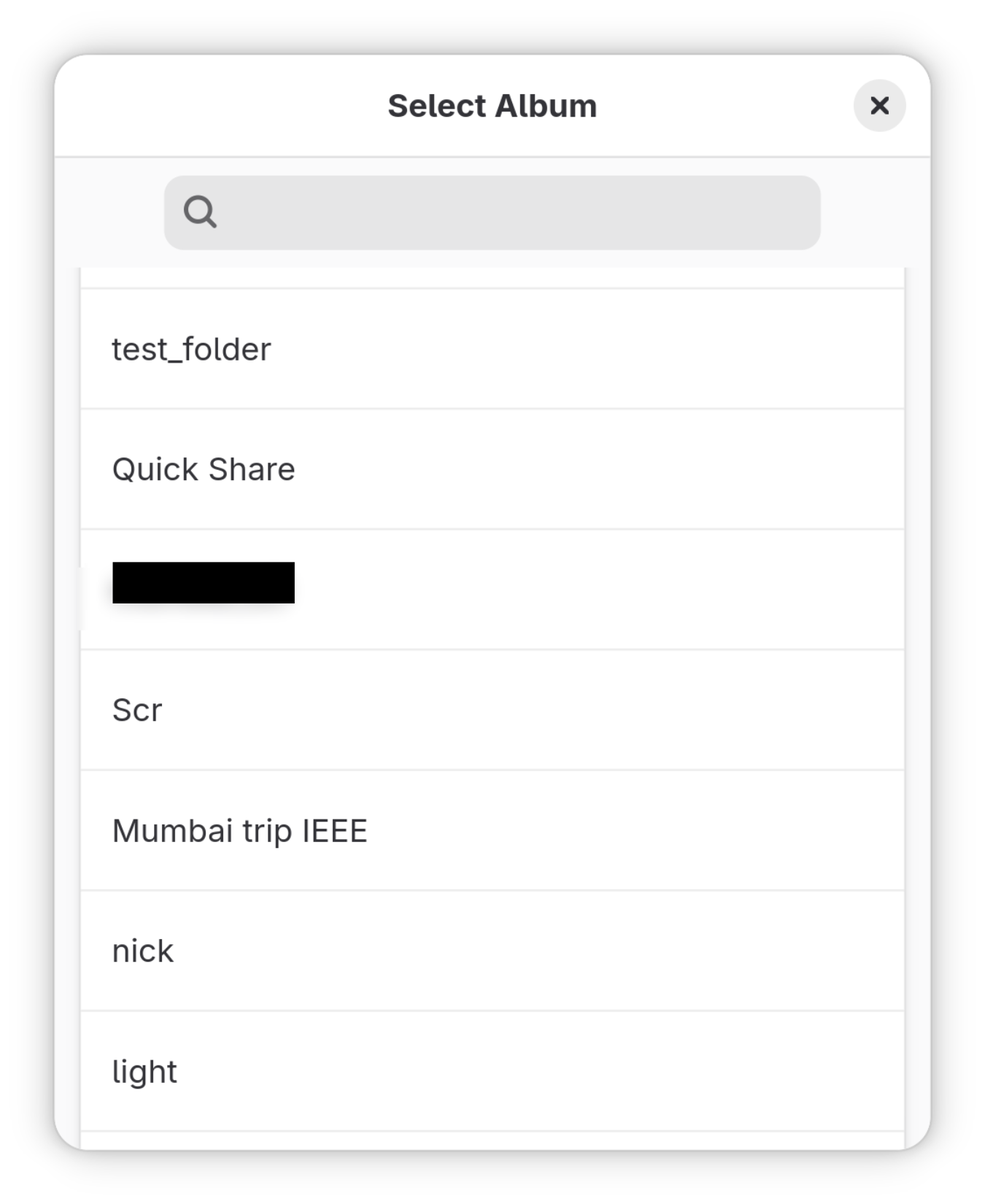
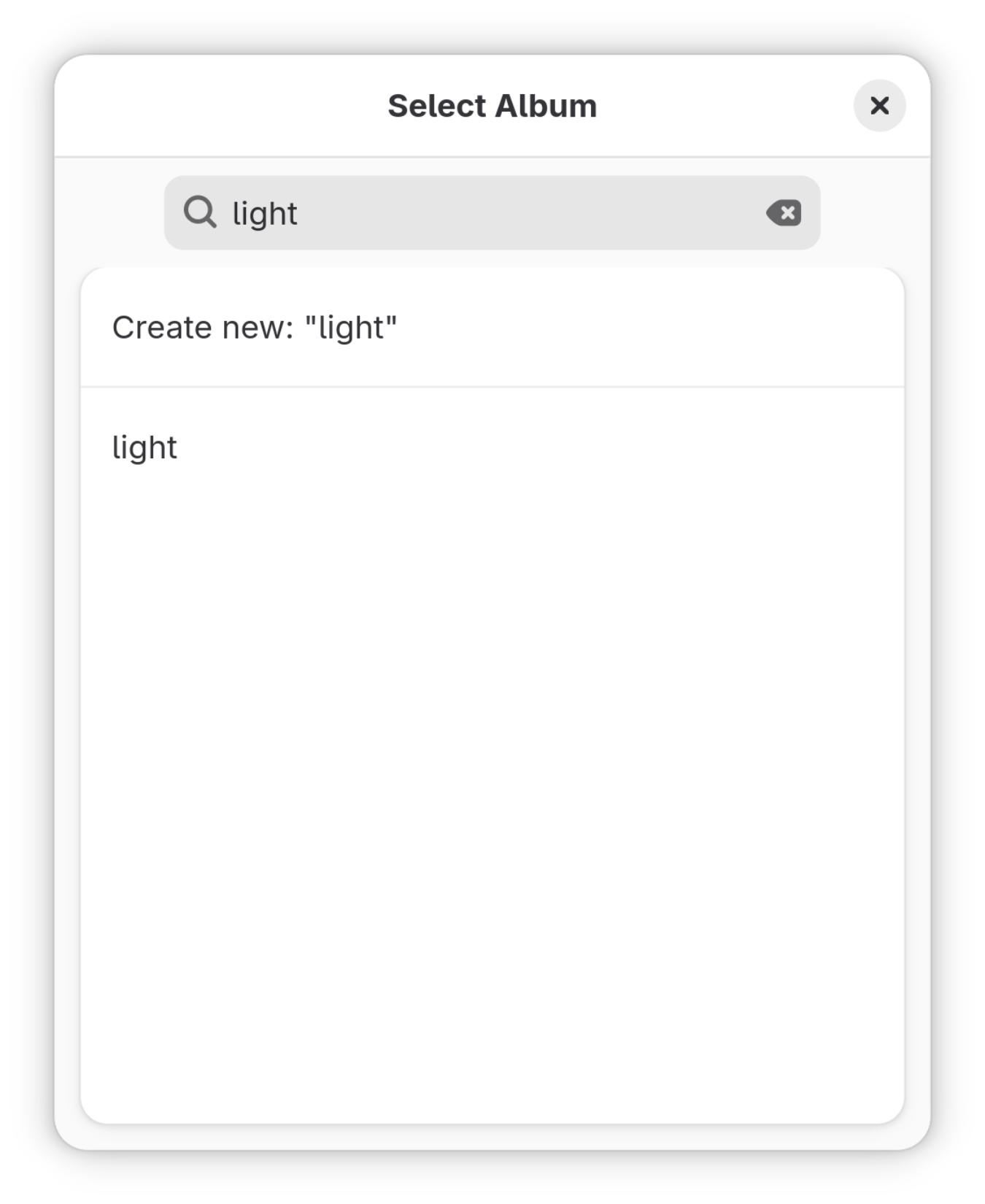
Worker count, quiet hours, folder rules and album targets all take effect the moment you change them. No restart, no daemon reload.
A local sync index keeps a hash of what’s already on the server. Restarts skip the known-good files and only scan what changed.
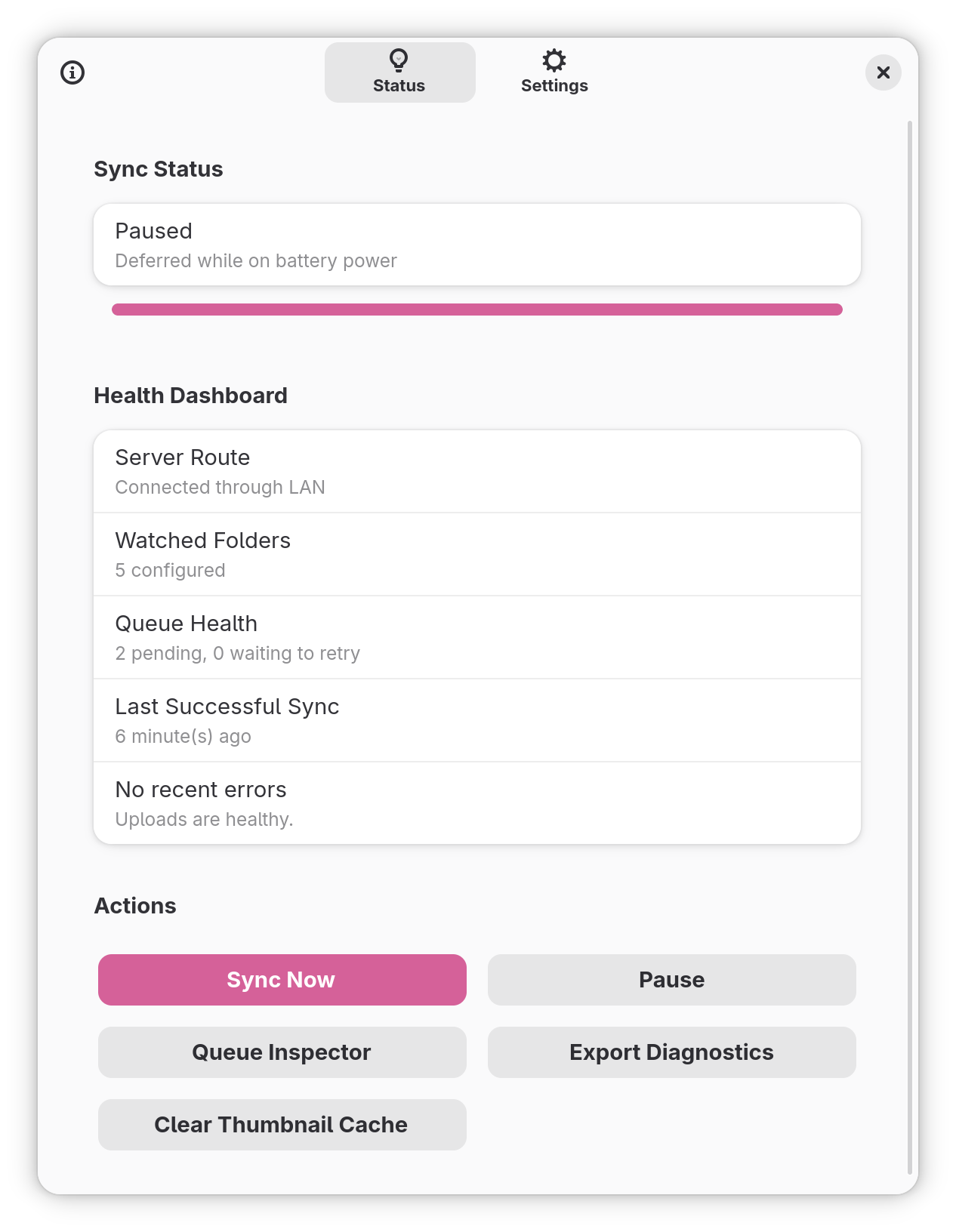
Export a redacted support bundle —
summary.txt, config, status, retries,
sync index and a privacy note — straight from
the Status pane.
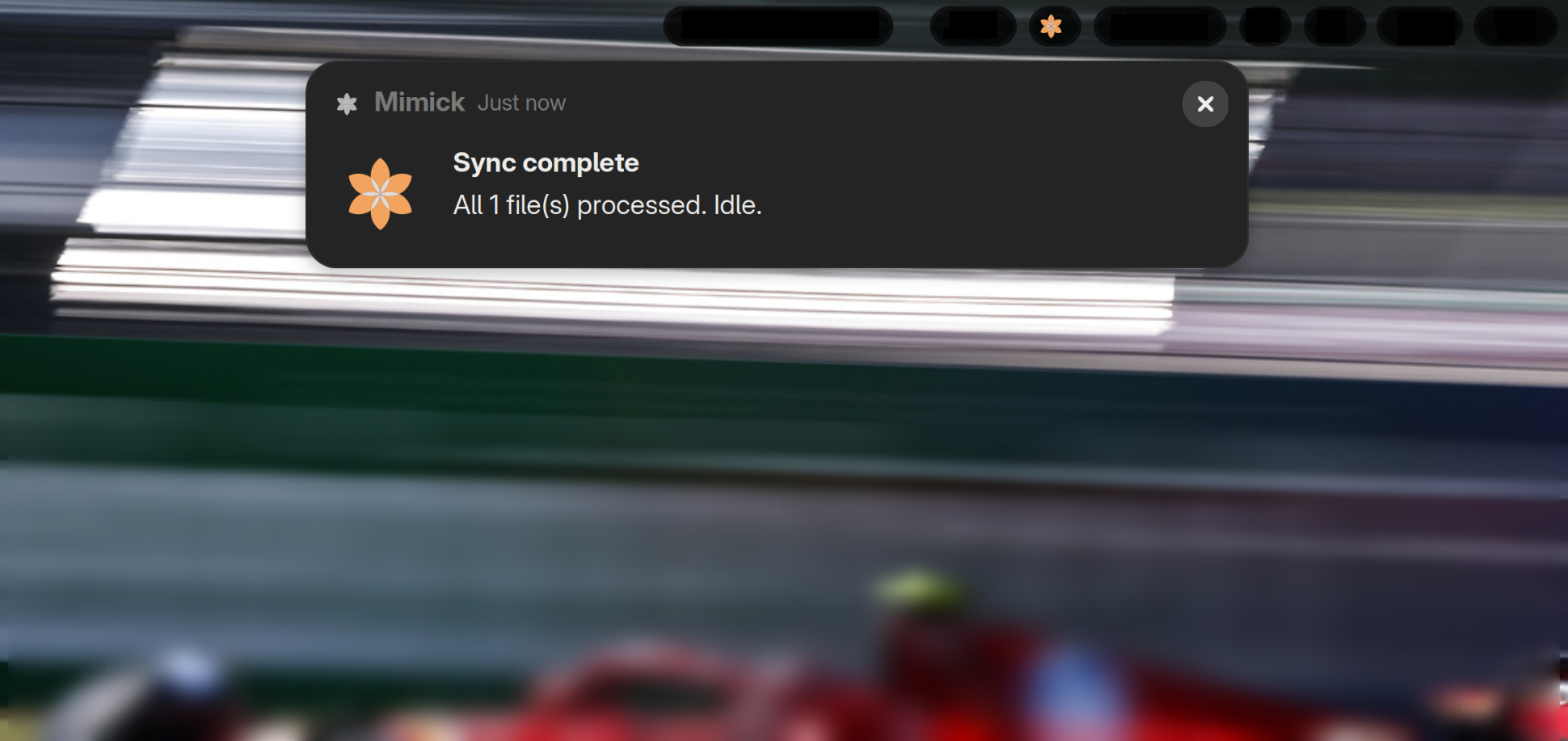
Uploads aggregate into a single batch toast per sync cycle. Connection drops still ping you separately so you actually notice them.
Flatpak repository metadata is signed, GitHub releases ship with checksums, and every commit runs through CodeQL plus lint, test and audit checks.
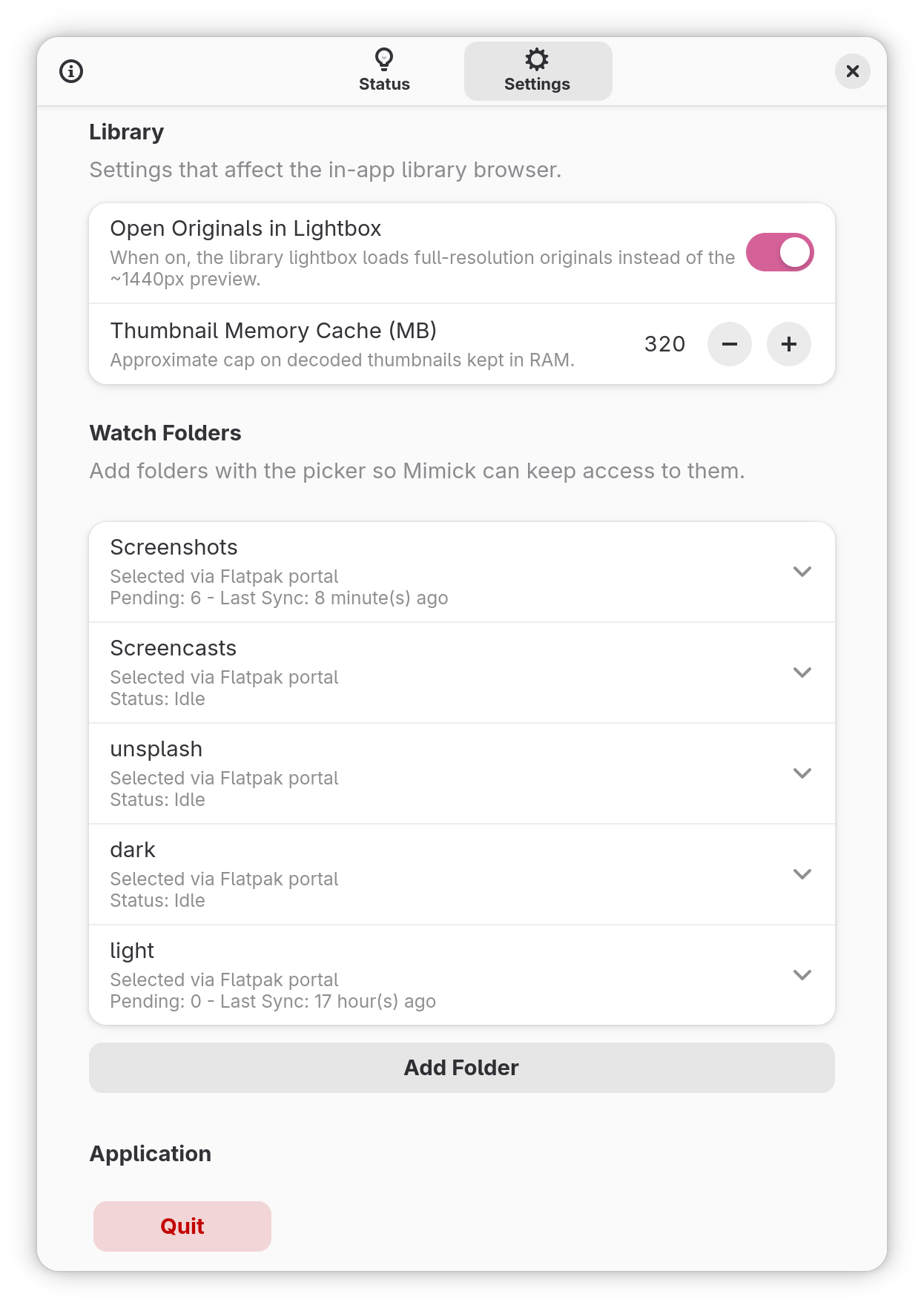
Flatpak builds use the desktop portal to request
access to only the folders you pick — never
your whole ~.
The whole UI reflows below 360 px wide. Runs cleanly on phone-form Linux too — Phosh, Plasma Mobile, take your pick.
Set a nightly window in your local clock and Mimick globally suspends uploads — perfect for shared networks or laptop fans you’d rather sleep through.
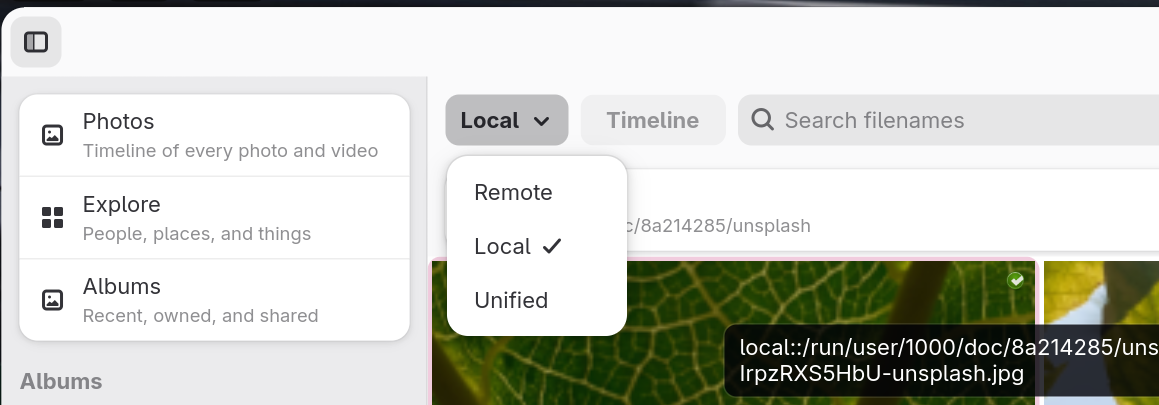
Photos timeline, Explore for people & places, Albums, multi-select, lightbox — all rendered natively, no browser tab needed.
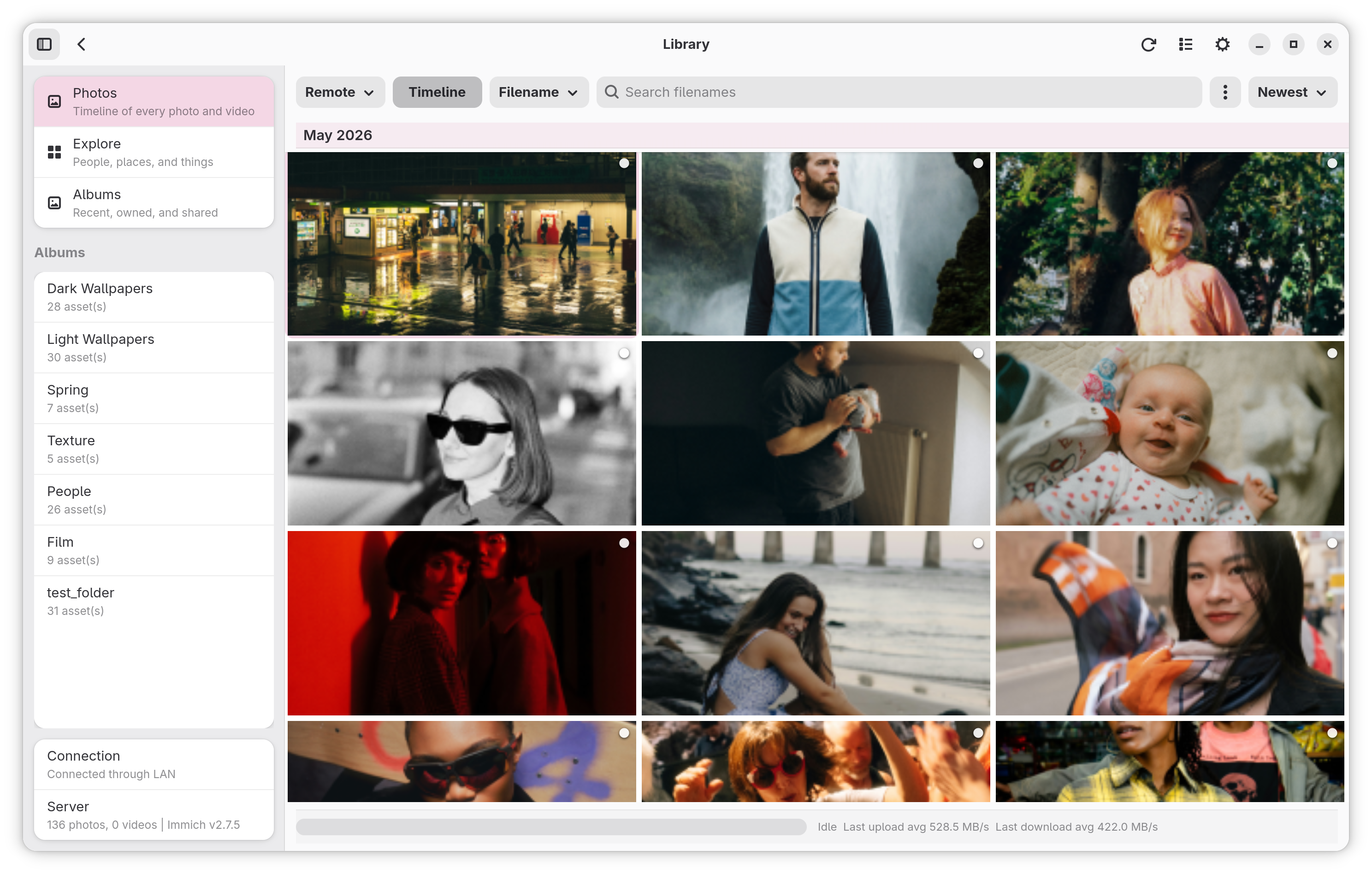
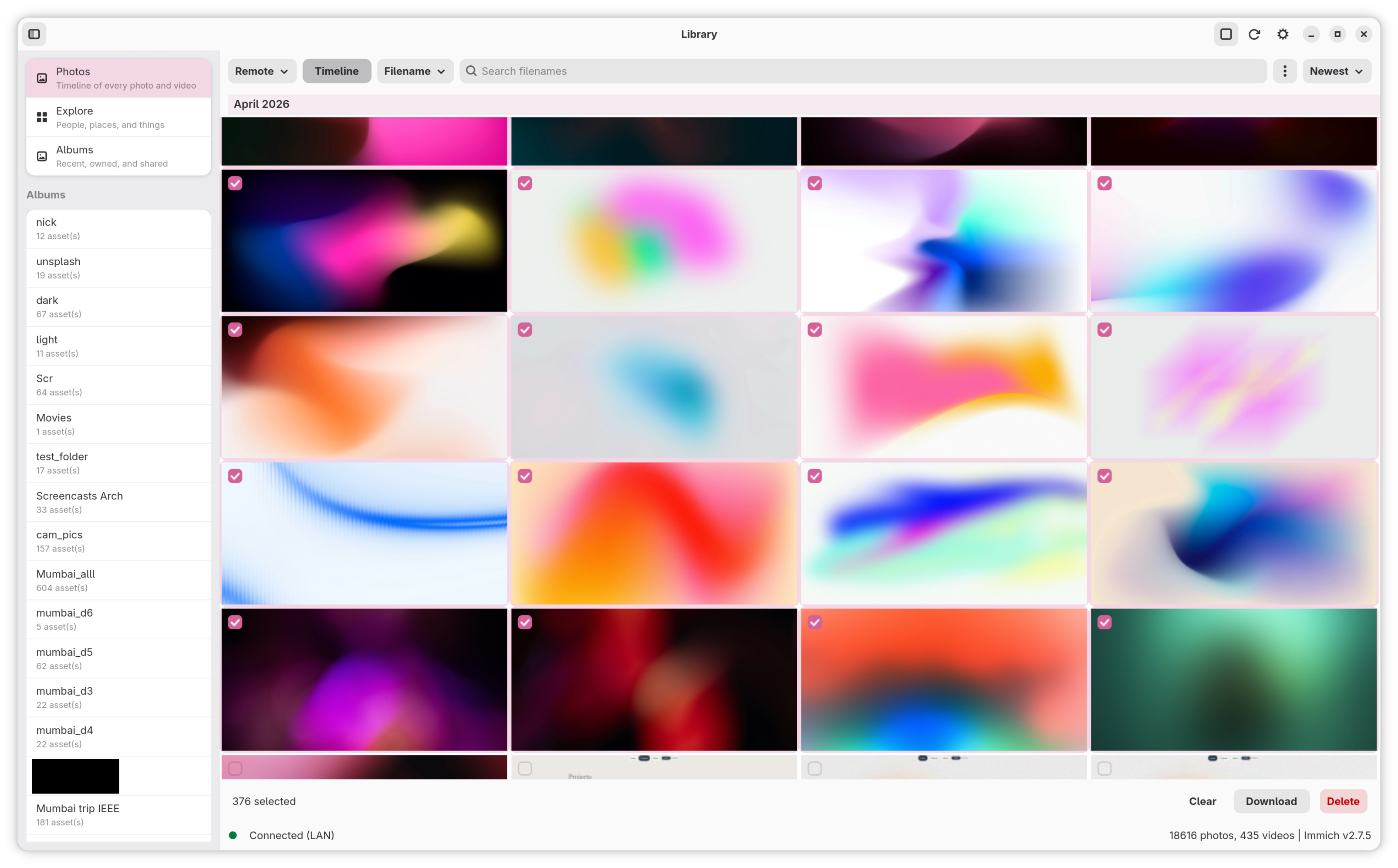
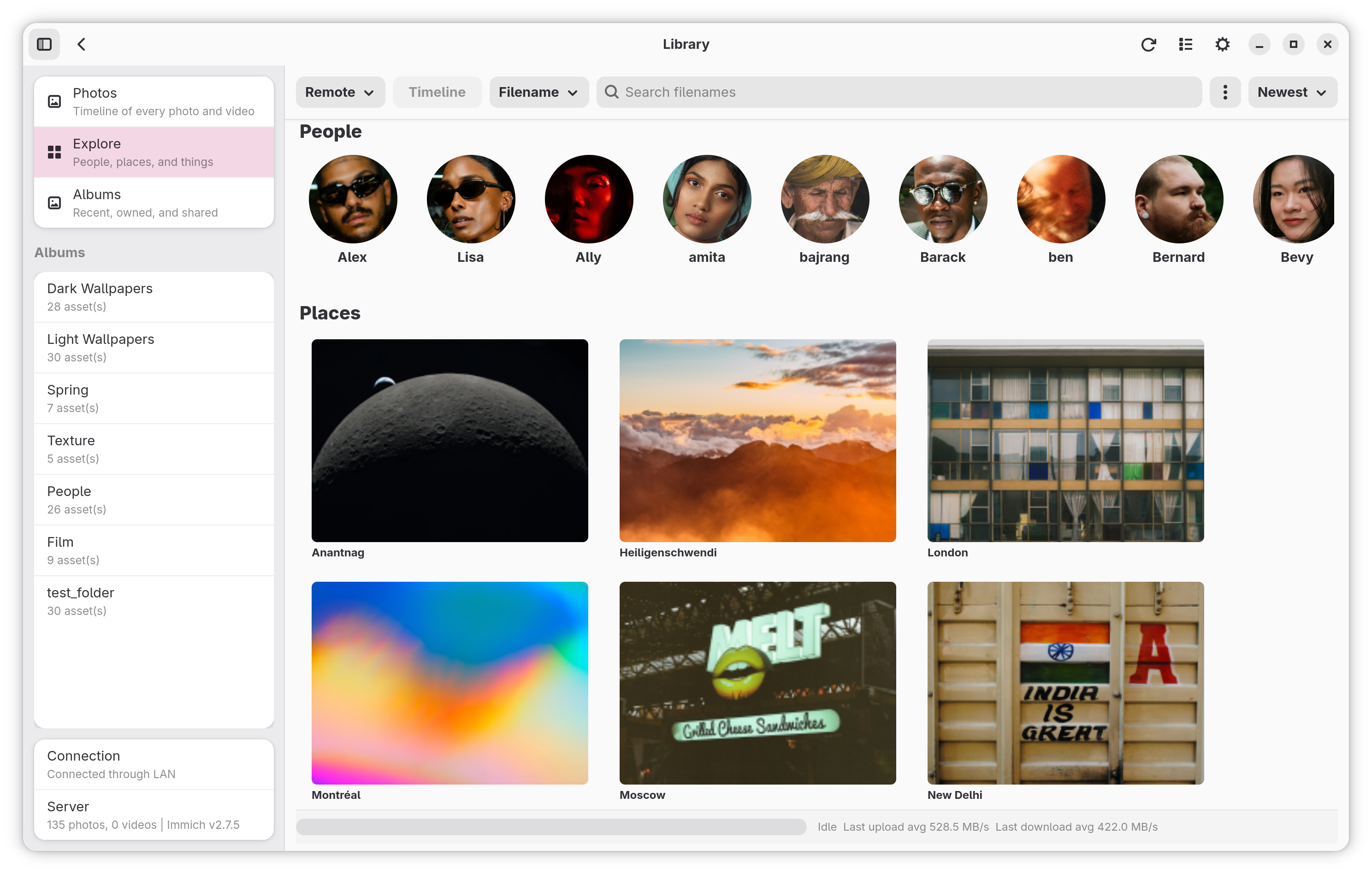
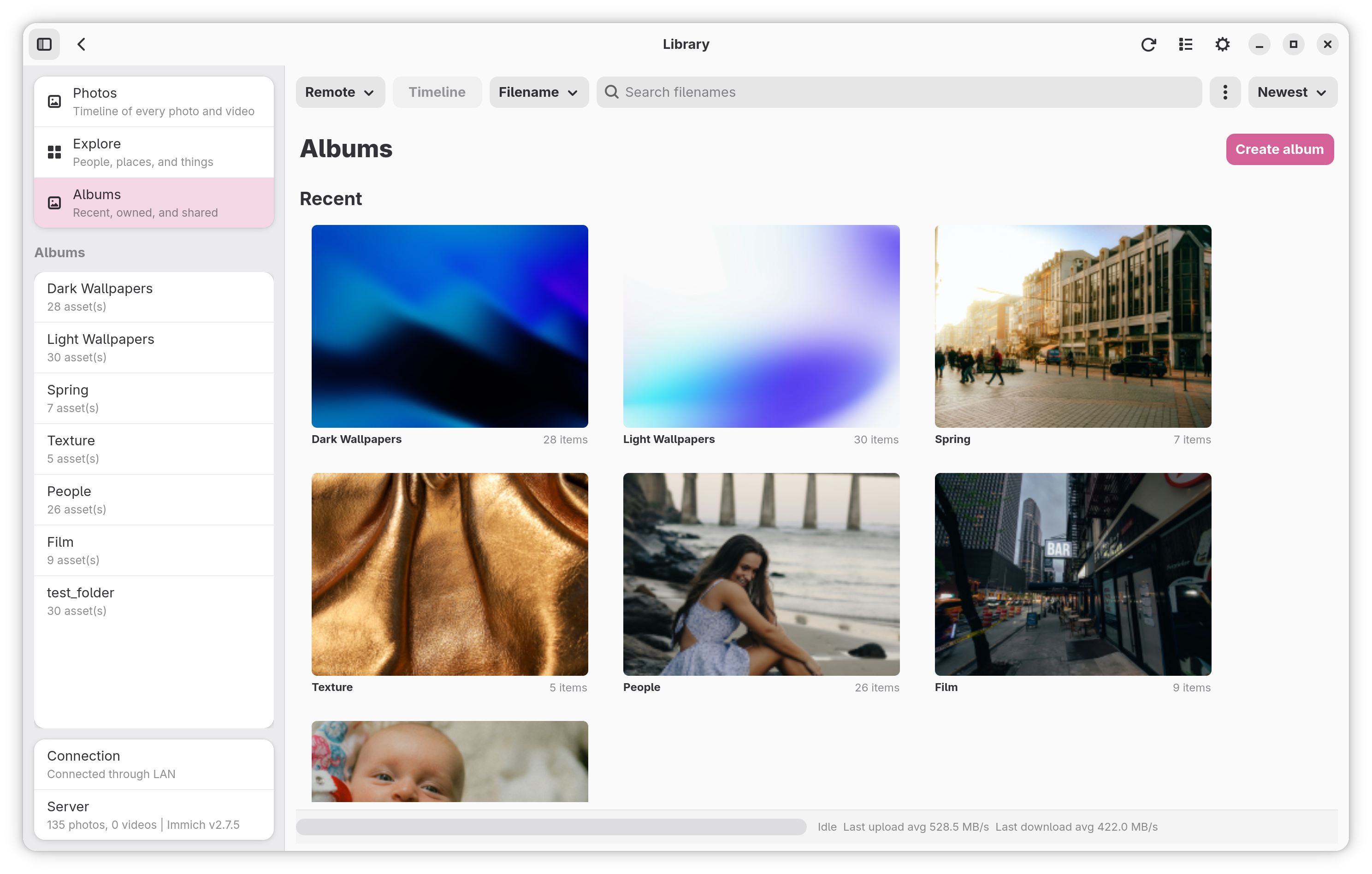
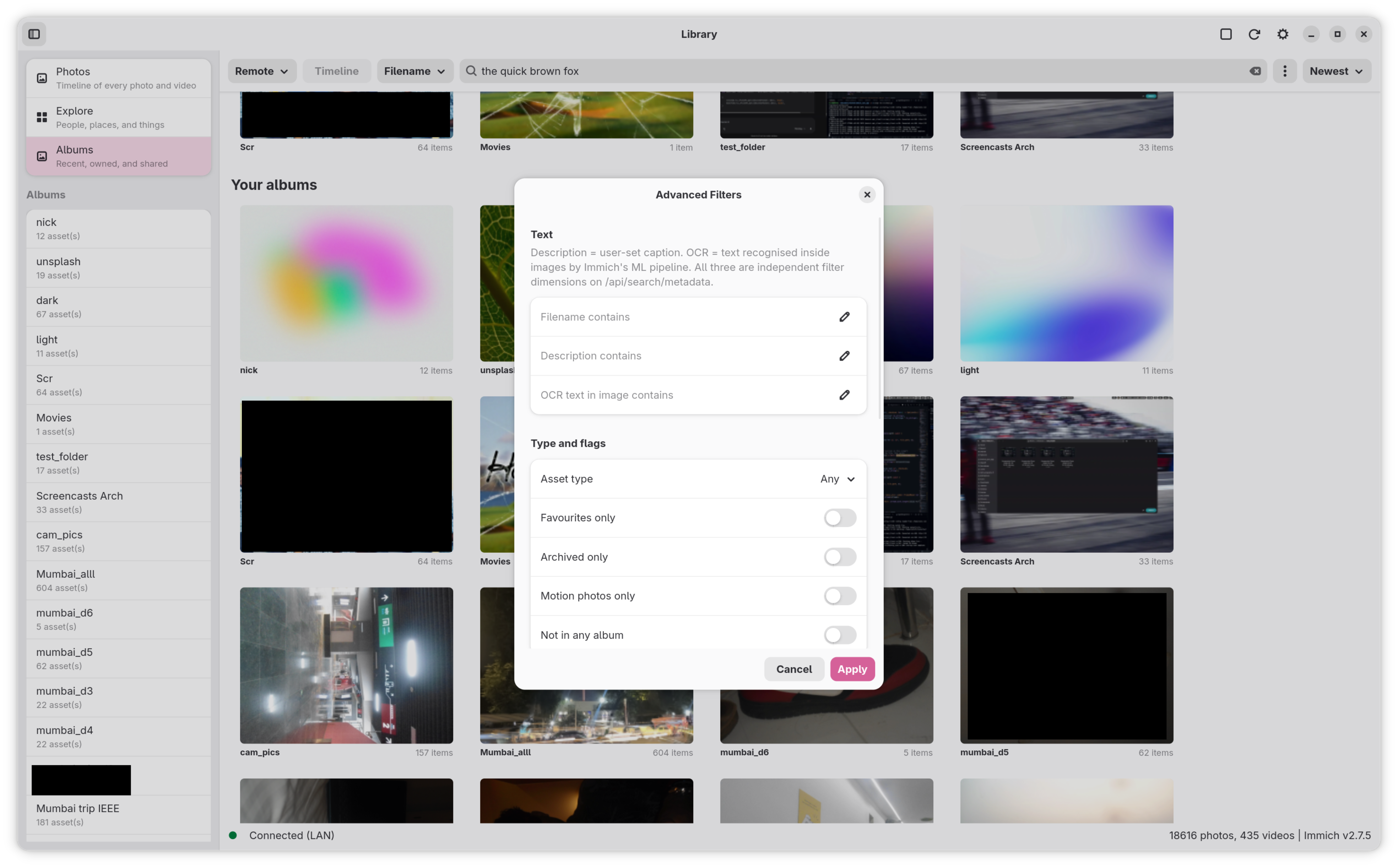
Filename, OCR, smart-search captions, source toggles and
an Advanced Filters panel pulled from
/api/search/metadata.
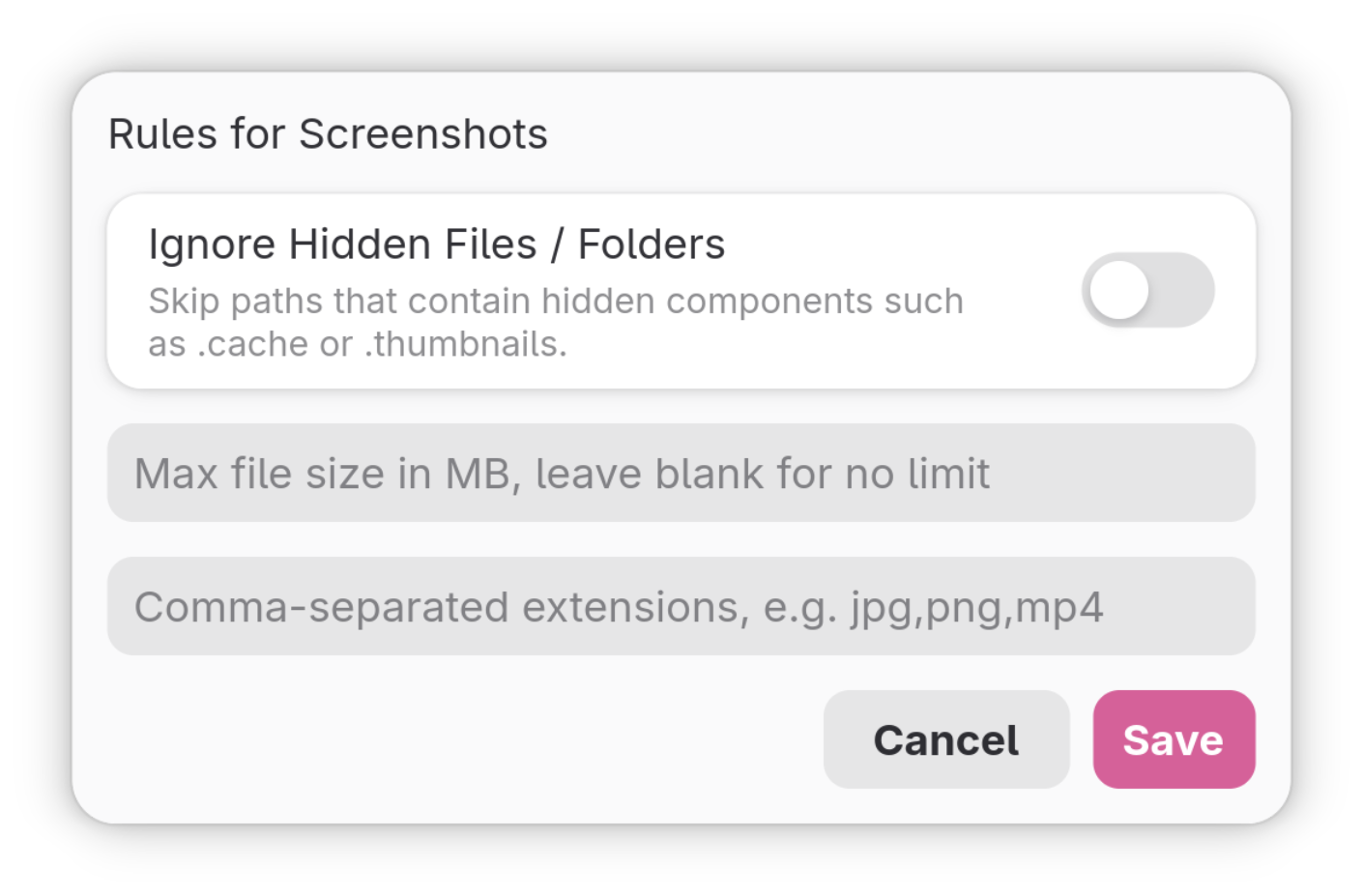
Connectivity, behavior, library, watch folders, per-folder rules, status — everything you need behind one window, plus a tray for headless control.
Mimick is published on Flathub. Pick the one-click flow or paste the CLI snippet — both arrive at the same place.
Open in GNOME Software, KDE Discover, or your distro's app center. Flathub handles the repo + install.


For headless installs or scripted setups. Make sure the Flathub remote is configured.


